
Call our Helpline
022 69718630
logo
PAY ONLINE
Powered By Cashfree logo

Banner

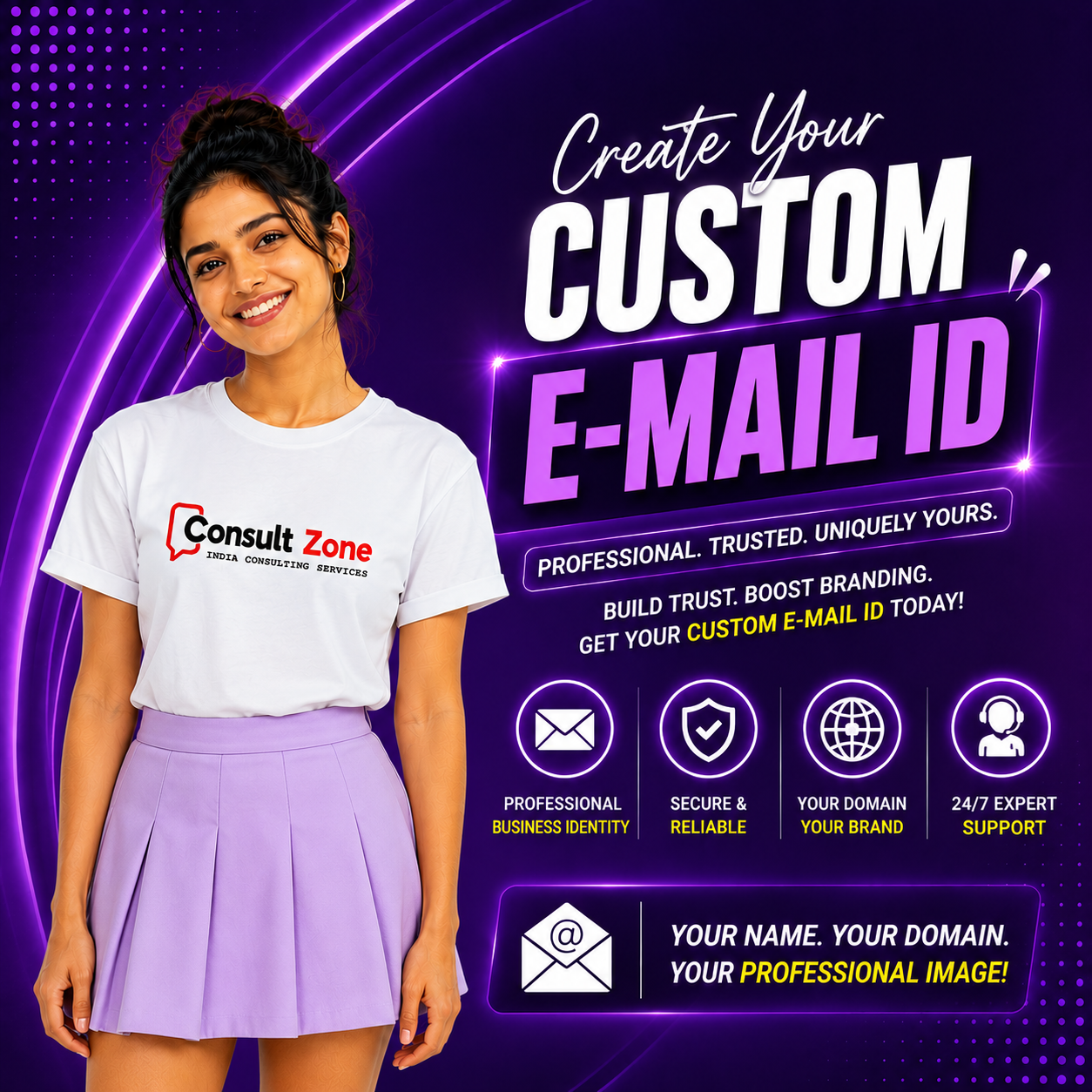
Custom E-mail ID Banner

Custom E-mail ID

Custom E-mail ID services provide professional email addresses using your own domain name (e.g., name@yourcompany.com instead of name@gmail.com). A custom email address establishes your brand identity, builds trust with customers, and presents a professional image for your business. Unlike free email services, custom email IDs offer enhanced security, larger storage capacity, advanced features, and complete control over your email communication. Our custom email services include email hosting, spam protection, virus scanning, calendar integration, mobile access, and comprehensive management tools. Whether you need a single email account for your business or multiple accounts for your entire team, we provide scalable solutions that grow with your needs. With our expertise, you can set up professional email communication that reflects your brand and meets your business requirements.

What is Custom E-mail ID?

  • Professional Identity: Email addresses with your business domain name
  • Brand Recognition: Reinforces your brand in every communication
  • Trust Building: Customers trust professional email addresses more
  • Large Storage: Generous storage space for emails and attachments
  • Advanced Security: Built-in spam protection and virus scanning
  • Mobile Access: Access email from any device, anywhere
  • Calendar Integration: Integrated calendar and scheduling features
  • Collaboration Tools: Shared calendars, contacts, and tasks
  • Custom Configuration: Full control over email settings and policies
  • Scalability: Easy to add more email accounts as needed

Types of Custom Email Services

  • Business Email Hosting: Professional email hosting for businesses of all sizes
  • Google Workspace: Cloud-based email with Google's productivity suite
  • Microsoft 365: Email with Microsoft Office integration
  • Exchange Server: On-premise or cloud-based Exchange email
  • IMAP/POP3 Email: Standard email protocols for desktop and mobile access
  • Webmail Access: Browser-based email access from anywhere
  • Group Email Accounts: Shared email for teams and departments
  • Alias Email Addresses: Multiple email addresses forwarding to one inbox
  • Distribution Lists: Email lists for sending to multiple recipients
  • Email Forwarding: Forward emails to other addresses automatically

Why Choose Custom Email over Free Email?

  • Professional Image: Custom emails look more professional than free email services
  • Brand Consistency: Maintains brand consistency across all communications
  • Higher Trust: Customers are more likely to trust professional email addresses
  • Better Security: Advanced security features not available in free email
  • More Storage: Larger storage capacity for emails and attachments
  • No Advertisements: No third-party advertisements in your emails
  • Custom Features: Customizable features and settings for your needs
  • Business Continuity: Your email stays with you even if you change providers
  • Technical Support: Dedicated technical support for email issues
  • Compliance: Meets business compliance and regulatory requirements

Detailed Procedure: Custom Email Setup

Step Activity Timeline Deliverable
1 Domain Verification Day 1 Verified Domain
2 Select Email Service Provider Day 1 Selected Provider & Plan
3 Create Email Accounts Day 1-2 Email Accounts Created
4 Configure DNS Records (MX, SPF, DKIM) Day 2 DNS Records Configured
5 Email Migration (if needed) Day 2-4 Migrated Emails
6 Configure Email Clients Day 3 Email Clients Configured
7 Test Email Functionality Day 3-4 Working Email System
8 Training & Handover Day 4 Training Completed

Key Features of Custom Email

  • Large Storage: Generous storage space from 5GB to unlimited
  • Spam Protection: Advanced spam filtering and protection
  • Virus Scanning: Real-time virus scanning for all incoming emails
  • Webmail Access: Browser-based email access from anywhere
  • IMAP/POP3 Support: Access email from desktop and mobile clients
  • Calendar Integration: Integrated calendar for scheduling
  • Contact Management: Shared contacts and address books
  • Task Management: Task lists and to-do features
  • Mobile Sync: Automatic synchronization across devices
  • Auto-Responders: Automatic reply and vacation responses

Advantages of Custom Email

  • Brand Building: Strengthens your brand identity with every email sent
  • Professional Credibility: Establishes credibility and professionalism
  • Customer Trust: Increases customer trust and confidence
  • Marketing Tool: Acts as a marketing tool in every communication
  • Security: Enhanced security features protect sensitive information
  • Reliability: Higher uptime and reliability compared to free email
  • Customization: Fully customizable to meet business needs
  • Scalability: Easily scale as your business grows
  • Support: Dedicated technical support for email issues
  • Compliance: Helps meet regulatory and compliance requirements

Email Security Features

  • SSL/TLS Encryption: Encrypted email transmission for security
  • Two-Factor Authentication: Extra layer of security for email access
  • Spam Filtering: Advanced spam detection and filtering
  • Virus Protection: Real-time virus scanning and protection
  • Phishing Protection: Protection against phishing attacks
  • SPF/DKIM/DMARC: Email authentication to prevent spoofing
  • Data Loss Prevention: Prevent sensitive data from being leaked
  • Secure Login: Secure authentication mechanisms
  • Audit Logs: Detailed logging of email activities
  • Compliance: Meets security compliance standards

Email Management Tools

  • Admin Console: Centralized management for all email accounts
  • User Management: Create, modify, and delete user accounts
  • Group Management: Manage groups and distribution lists
  • Policy Management: Set email policies and restrictions
  • Storage Management: Monitor and manage storage usage
  • Backup & Restore: Email backup and restoration capabilities
  • Reporting: Detailed reports on email usage and activity
  • Mobile Device Management: Manage mobile email access
  • Integration: Integration with other business applications
  • API Access: API for custom integrations and automation

Frequently Asked Questions (FAQ)

Q1: What is the difference between custom email and free email?

Custom email uses your own domain name (name@yourcompany.com) while free email uses the provider's domain (name@gmail.com). Custom email offers more storage, better security, professional branding, and advanced features not available in free email services.

Q2: Do I need a domain name for custom email?

Yes, you need a registered domain name to create custom email addresses. If you don't have a domain, we can help you register one. The domain name becomes part of your email address (e.g., @yourcompany.com).

Q3: Can I access my custom email on mobile devices?

Yes, custom email can be accessed on any device including smartphones and tablets. You can use webmail through a browser, or configure email apps using IMAP/POP3 protocols. Emails sync automatically across all your devices.

Q4: How much storage do I get with custom email?

Storage varies by provider and plan, typically ranging from 5GB to unlimited storage per user. Business plans usually offer more storage than personal plans. We can help you choose the right plan based on your storage needs.

Q5: Can I migrate my existing emails to custom email?

Yes, we provide email migration services from various email providers including Gmail, Yahoo, Outlook, and other email services. The migration process preserves emails, contacts, and calendar events with minimal disruption.

Q6: What security features are included with custom email?

Custom email includes advanced security features such as SSL/TLS encryption, spam protection, virus scanning, phishing protection, two-factor authentication, SPF/DKIM/DMARC authentication, and data loss prevention to protect your email communications.

Q7: Can I create multiple email accounts?

Yes, you can create multiple email accounts based on your plan. Common setups include individual accounts for each employee, departmental accounts (sales@, support@, info@), and role-based accounts. We can help you design the right email structure for your business.

Q8: Do you provide email setup and configuration services?

Yes, we provide comprehensive email services including domain verification, account creation, DNS configuration, email migration, client setup, security configuration, and user training. Our team ensures your email system is set up correctly and efficiently.

Ready to Set Up Your Custom Email?

Contact us today for professional custom email services!

Contact Us
Call: 022-69718630

Do you want to avail our services? Call now : 022 69718630

User offer

Note:

Consult Zone India™ - Consulting Services is an ISO 9001:2015 Certified Organization. India's leading Web Hosting, IT Services and Corporate Consultancy Service Provider.